 Tucan
Tucan
Our information does not confirm a downloadable Tucan casino mobile app for iOS or Android, so the safe route is the casino's website in your phone browser. This page explains how that works on each system, which games suit a small screen and what to check before you play, including a country restriction that affects GB players.
Contents
Is There a Dedicated App?
No official download link or app-store listing is given in the casino details we work from. We therefore cannot tell you that a dedicated tucan casino mobile app exists, and we will not point you to one. If an app is ever released, the official site is where it would be announced.
Be careful with APK files, "mod" versions and third-party download pages that claim to offer one. A fake app can capture your login details or card data. If a file is not linked from the casino's own website, leave it alone.
The practical answer is simple: you use the same site on your phone as you would on a computer, through Safari, Chrome or another browser.
The United Kingdom appears on the casino's list of restricted countries. Before you register or deposit from a phone in Great Britain, read the licence and restrictions page so you know where you stand.
Playing in a Mobile Browser
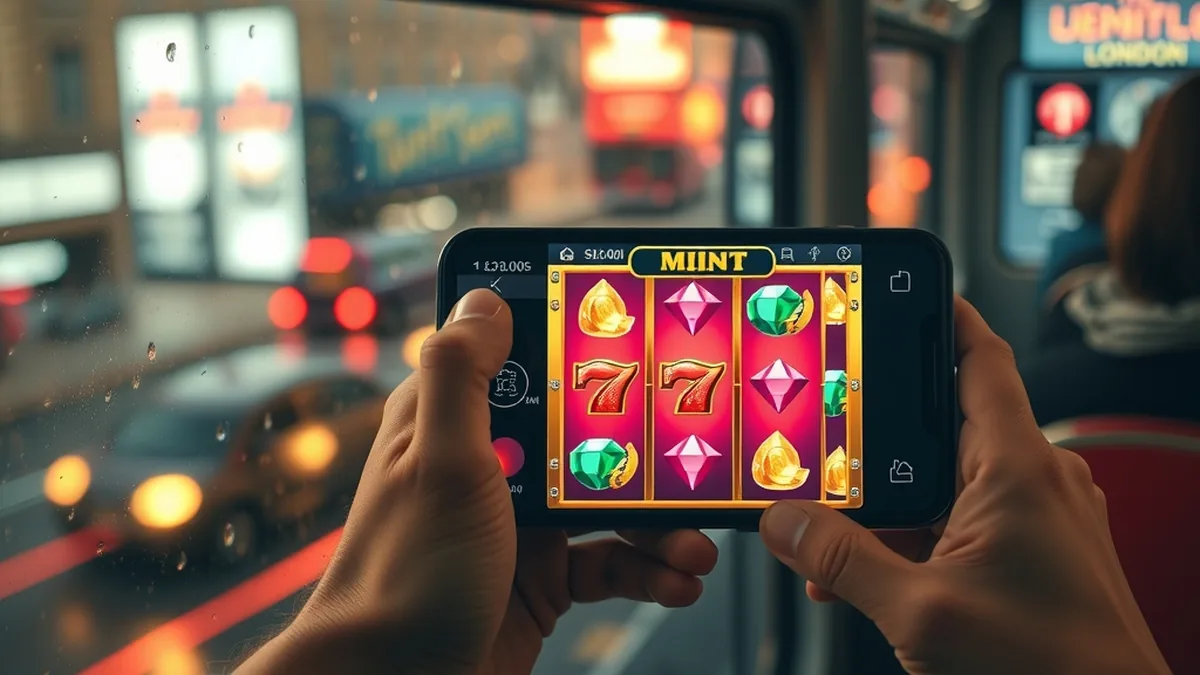
Browser play needs no storage space and no updates. You open the site, sign in and the lobby loads at the size of your screen. Most modern slots from major studios are built to adapt to portrait and landscape modes.
Getting started on your phone
- 1Type the casino's address into your browser yourself, or use a bookmark you made earlier, rather than tapping a link in a message.
- 2Check the padlock symbol beside the address before entering any details.
- 3Sign in with your existing account, or register if you are eligible.
- 4Open the lobby and pick a game; rotate your phone for wider slots.
- 5Add a bookmark or home-screen shortcut for one-tap access next time.
Keeping the connection stable
Mobile data works, but a weak signal can interrupt a round. Wi-Fi at home is more reliable, and public networks are best avoided for anything involving payments. If a game freezes, reload the page; completed rounds are held on the casino's server, not on your device.
Using It on iOS Devices
On an iPhone or iPad, Safari is the simplest option. Open the site, tap the share icon and choose "Add to Home Screen". This gives you an icon that looks like an app, although it simply opens the website.
Keep iOS updated, because older versions of the system can struggle with newer game engines. Chrome and Firefox also work on iPhone, but they use Apple's browser technology underneath, so results are usually similar.
- Allow pop-ups for the site if a game opens in a new window.
- Switch off Low Power Mode during longer sessions, as it can slow animations.
- Use Face ID or your password manager to fill in login details rather than typing them in public.
Using It on Android Devices
On Android, Chrome is the usual choice. Open the menu, pick "Add to Home screen" and the shortcut appears alongside your apps. As on iOS, it is a bookmark in app clothing, not a separate program.
Android lets you install files from outside the official store, which is exactly why fake casino apps circulate. Keep "install unknown apps" switched off for your browser unless you are completely sure of the source.
If a game runs slowly, close background apps, clear the browser cache and make sure the browser itself is current. Older handsets with little memory may cope better with simpler slots than with heavy bonus-buy or live-video games.
Games Available on Mobile
The casino is slot-led and has no sportsbook, so a phone session means reels, with live dealer tables from Evolution Gaming also in the lobby. The full list and how each category works is covered on the games page. Here are a few titles that suit shorter sessions on a small screen.
| Game | Provider | Volatility | RTP |
|---|---|---|---|
| Starburst | NetEnt | Low | 96.09% |
| Book of Dead | Play'n GO | High | 96.21% |
| Big Bass Bonanza | Pragmatic Play | High | 96.71% |
| Sweet Bonanza | Pragmatic Play | High | 96.48% |
Simple and low-risk
Starburst has ten paylines, wins both ways and expanding wilds with re-spins. Its low volatility means smaller, more frequent wins, which suits quick sessions on the move.
Bigger swings
Book of Dead, Big Bass Bonanza and Sweet Bonanza are all high volatility. Expect quieter stretches broken by feature rounds. Sweet Bonanza uses pay-anywhere wins with tumbling reels, which fit a vertical screen well. Set a budget before you start, since fast touch-screen spins add up quickly.
Mobile Payments and Logins
Signing in on a phone
Your account is the same on every device, so the details you use on a computer work on mobile. If you are stuck, the login guide covers access problems. Use a strong, unique password, and avoid saving it on a shared phone.
Deposits and cashing out
Cards, e-wallets, bank transfer and crypto are among the payment options shown by the casino. Which ones you can use depends on your country, and limits and timing are set out on the withdrawal and payments page. Withdrawals usually go back through a method you can verify, so keep your own accounts in your own name.
Check the amount and currency on the confirmation screen before you approve any payment. On a small display it is easy to tap too fast.
FAQ
Does Tucan Casino have a mobile app?
We cannot confirm an official download for iOS or Android, so we do not recommend any. Use the website in your phone browser instead, and treat APK files or unofficial store listings with suspicion, since they may be fake and put your details at risk.
Can I play Tucan Casino on my phone?
Yes, the practical way is through a mobile browser such as Safari or Chrome. You sign in to the same account and open the games lobby. Check first that your country is eligible, because the United Kingdom appears on the casino's restricted list.
Is the mobile version different from desktop?
The layout adapts to a smaller screen, with touch controls and a compact menu, but it is the same account, the same lobby and the same payment options. Game rules and RTP do not change by device. Some large lobbies are simply easier to browse with search.
Can I add a shortcut to my home screen?
Yes. On iPhone use Safari's share menu and pick Add to Home Screen. On Android use Chrome's menu for the same option. The icon only opens the website, so it uses no real storage and needs no updates.
18+ | Gambling can be addictive. Play responsibly. Get help